Service
Admin Panel Design
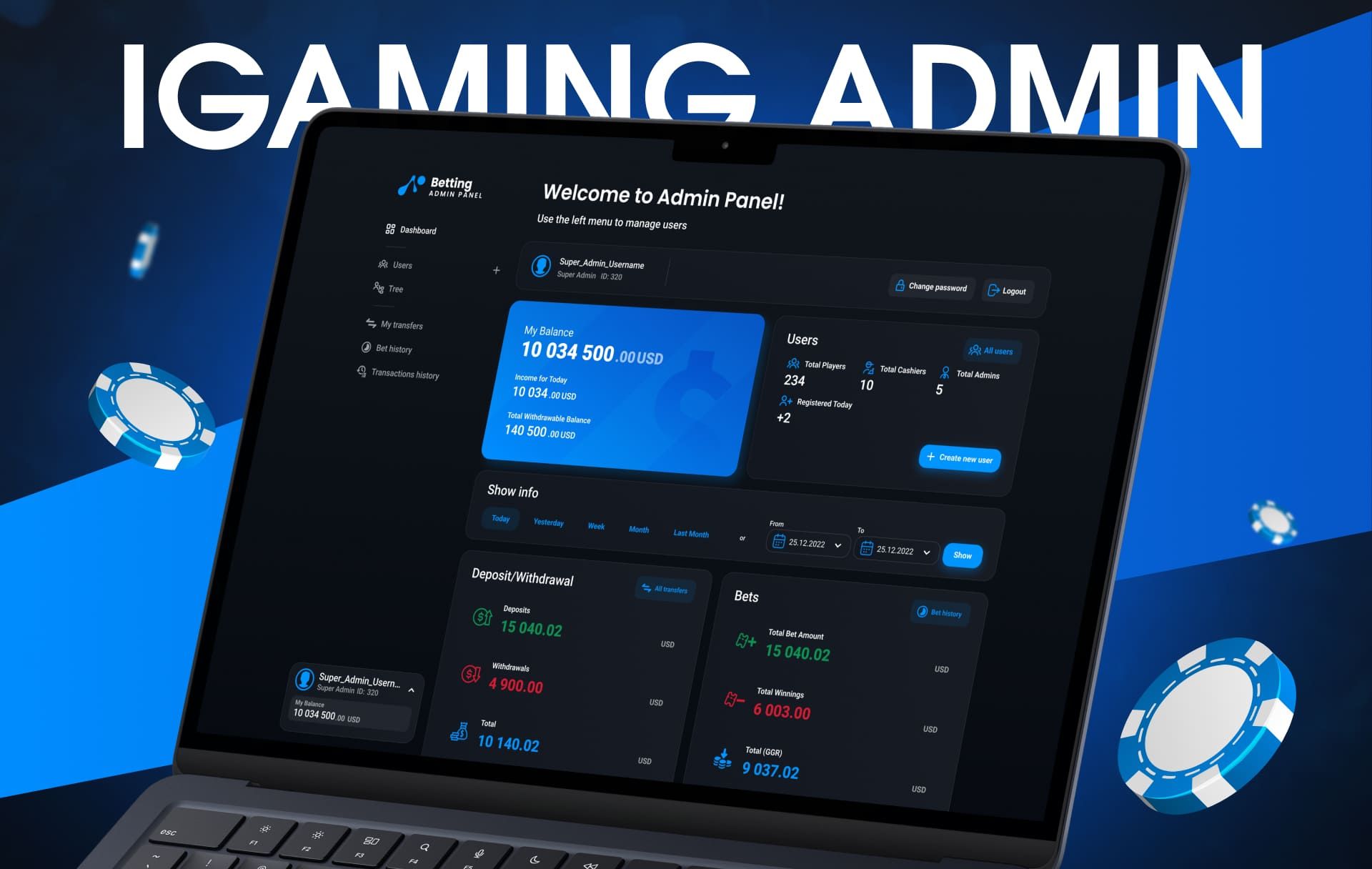
Operators, support agents and managers spend whole shifts in the back office. For them a good admin panel means fewer clicks per task, filters that remember context and tables that show what needs attention without exporting to Excel.
Operators, platform vendors, betshop networks and B2B suppliers.
When teams come to us
- New staff need weeks of training to use the back office.
- Common tasks require jumping between five screens.
- Reports are exported and rebuilt manually every week.
- Roles and permissions were added ad hoc and nobody knows who can do what.
What we design
Daily operations
- Player search and player card with full history
- Payment queues, approvals and manual adjustments
- Bonus and promotion setup
- Support tools and internal notes
Data
- Dashboards with the metrics your team actually checks
- Tables with filters, saved views and bulk actions
- Reports by period, brand, market and channel
- Risk and fraud flags
Structure
- Roles, permissions and audit log
- Affiliate and agent dashboards
- Settings for brands, currencies and limits
- Component system for tables, forms and statuses
What changes for you
Faster daily work
Frequent tasks take fewer steps, and the panel keeps filters and context between screens.
Easier onboarding
Consistent patterns across sections mean new staff learn once and apply everywhere.
Scalable interface
New modules are assembled from the same components, so the panel does not turn into a patchwork again.
Related work
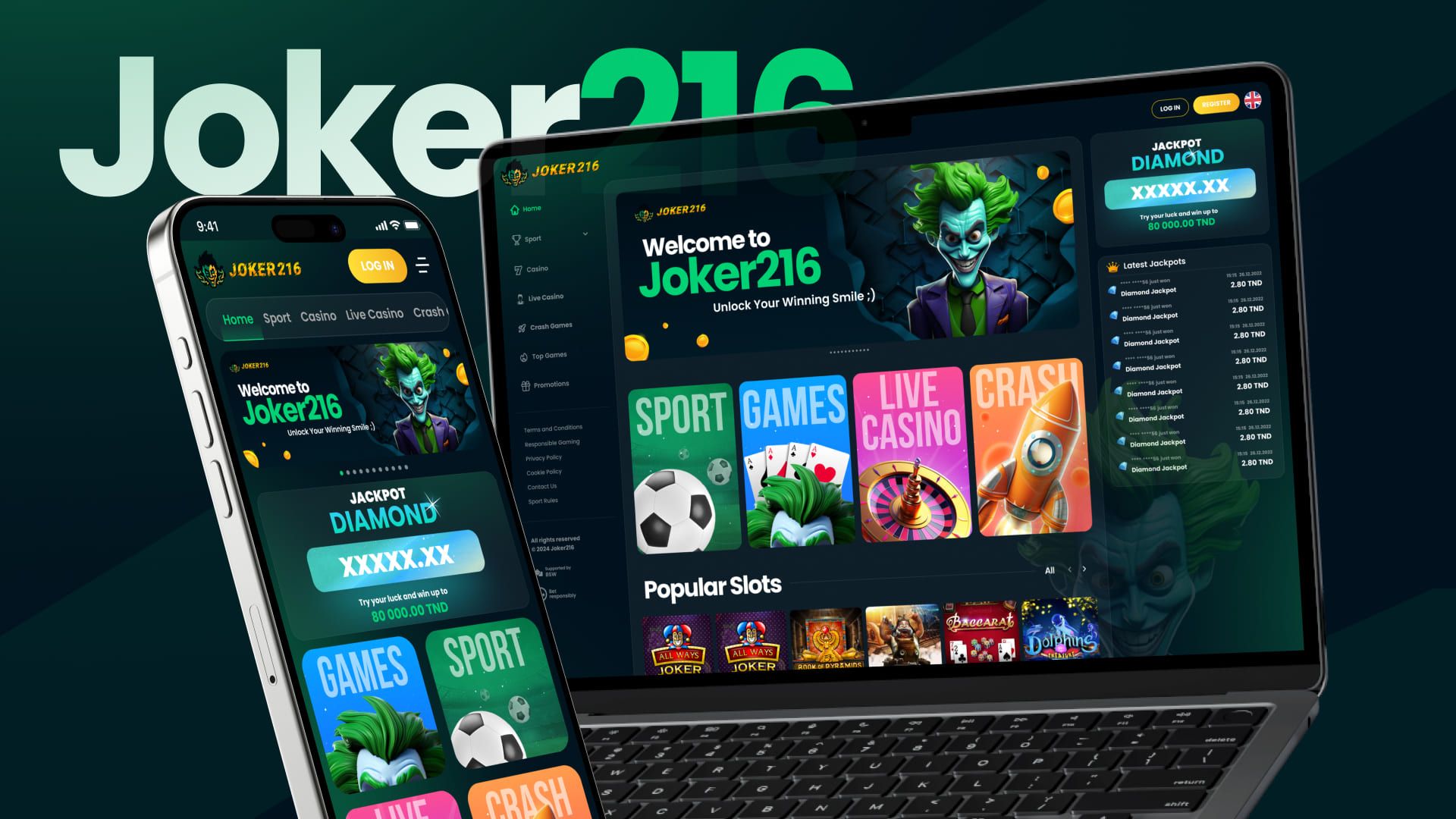
Projects where we solved similar tasks.
How the work goes
Message in Telegram
Tell us about the product, the market and what worries you. A few paragraphs and a link are enough to start.
Short call and estimate
We clarify goals, limits and deadlines, then send a plan with stages, timing and cost.
Structure first
Flows and wireframes of key screens. At this stage it is cheap to change direction.
Design and system
Visual style, screens, states and components. You see progress regularly, not only at the end.
Handoff and support
Files for development, answers to developer questions and review of the implemented screens.
What you receive
- Organised Figma file with pages by flow
- Component library with variants and states
- Mobile and desktop layouts
- Clickable prototype of key scenarios
- Notes on behaviour, errors and edge cases
- Exported icons, illustrations and images
Outside this service
- Data pipelines and reporting engines
- Integration with payment and game systems
- Anti-fraud logic and scoring models
What happens after design
Layouts should turn into a working product. We choose the route together with you before work starts.
Your team
We hand over files, answer developer questions and review the implemented screens.
Our developers
Websites, landing pages and web apps of moderate complexity are built in-house from our design system.
Partners
Complex SaaS products and mobile apps go to partner studios, casino and sportsbook launches to partner iGaming platforms.
Questions
Do you design complex tables and filters?
Yes, it is the core of back-office work: sorting, grouping, inline editing, bulk actions, saved filters and states for empty and failed data.
Can you extend our existing design system?
Yes. If you already have tokens and components, we build on them and add the missing patterns instead of replacing everything.
Do you talk to the people who use the panel?
We try to. Short interviews with operators and support staff show real bottlenecks faster than any specification.
Can you design a panel for betshops or cashiers?
Yes. We have designed admin tools for betshop networks, where speed at the counter and clear transaction statuses matter most.
Often ordered together
Tell us about your project
Describe the product in a couple of sentences in Telegram. We will ask the right questions and suggest where to start.
